

Creating Effective Ad Banner Animations for Web
Explore timing, easing, and attention-grabbing techniques that drive clicks with purpose. Learn how to design banner animations that perform across devices.
Read ArticleCreate efficient, scalable animation systems that work across platforms. Learn how to design motion templates that save time, maintain consistency, and adapt to different social formats.

Written by
Written by the FrameFlow Motion editorial team, focused on practical, clearly explained guidance for motion design and social media animation.
If you’re creating motion content regularly, you’re probably noticing a pattern: the same transitions, timing, and effects work across different videos. That’s where templates come in. They’re not shortcuts that sacrifice quality — they’re professional tools that let you focus on what actually matters: the creative storytelling and platform-specific content.
Building a solid template system takes planning upfront, but it pays dividends fast. You’ll reduce production time by 40-50%, maintain visual consistency across your content calendar, and have a framework that scales when you need it. Whether you’re managing one brand or multiple client accounts, reusable motion templates are the difference between chaos and controlled creativity.

A motion template isn’t just a saved After Effects file. It’s a system with clear layers, adjustment controls, and placeholder areas where content can change. Think of it like a well-designed template in Figma — the structure is locked, but specific elements are meant to be modified.
You’ll want to organize your templates around three core components: the foundation (timing, easing curves, duration), the flexible layer (where text, logos, or video clips go), and the effects chain (color grading, blur, particle systems). This separation means you can swap in new content without touching the underlying motion mechanics that make the template work.
Key insight: The best templates have constraints. You’re not creating infinite customization — you’re defining what changes and what stays consistent. That discipline is what makes them actually useful.
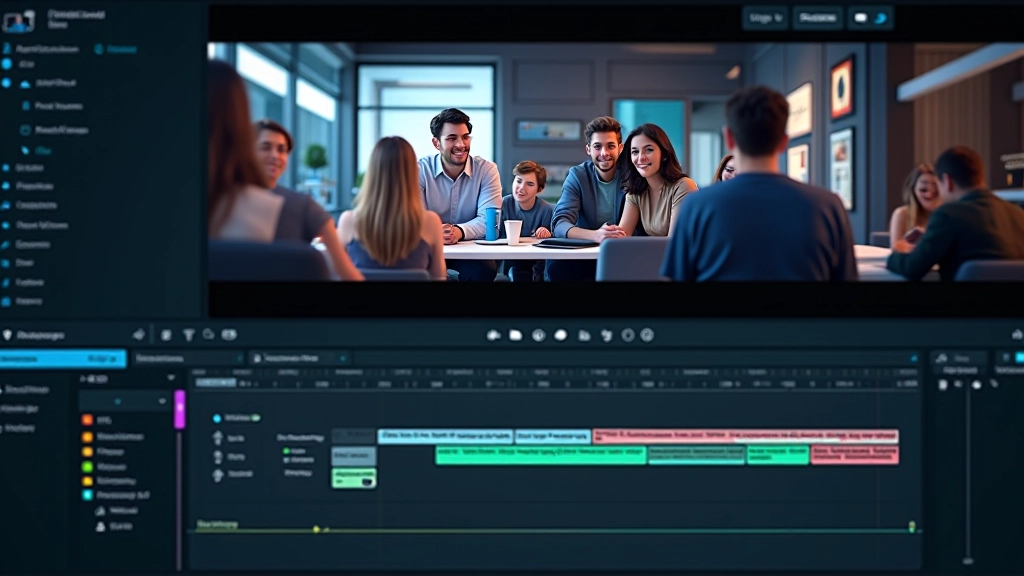
Different platforms have different rules. Instagram Reels love fast cuts and bold motion. TikTok thrives on trend-aware timing. LinkedIn expects more professional, measured pacing. Rather than creating completely separate templates for each platform, build a modular system where the core motion stays the same but aspect ratios, safe zones, and timing adjust.
Start with your main template at 19201080. Then create variations: 10801920 for vertical stories, 1200628 for LinkedIn posts, 10801080 for square Instagram posts. The motion itself — your transition speeds, keyframe positions, effect intensities — stays consistent. You’re adapting the container, not reinventing the motion each time.
Instagram Reels: Keep motion punchy. Aim for 2-3 second transitions, bold color shifts, snappy text reveals.
TikTok: Trends move fast here. Design templates with swappable effects so you can update the “hot” motion style without rebuilding from scratch.
LinkedIn: Slower, more deliberate motion reads better. 4-5 second transitions, emphasis on clarity over flashiness.

Individual learning outcomes vary from person to person. Platform algorithms, audience demographics, and content performance depend on many factors beyond motion design. These templates provide structure and professional quality, but success also requires understanding your specific audience and platform dynamics.
The real efficiency gain comes from how you implement templates into your actual production workflow. You’re not just saving a file — you’re creating a system where junior animators, clients, or even non-motion designers can use the template without breaking it.
Start by documenting your template. Include: what layers can be modified, what effects are locked, what text styles are built in, and how long the template runs. Create a naming convention for your assets — “BG_”, “TEXT_”, “LOGO_” prefixes make it obvious what goes where. Build adjustment layers for color correction so someone can tweak brand colors without touching the underlying effects.
Here’s where it gets practical: save your template with placeholder content. When someone opens it, they immediately see where their video clip goes, where the headline sits, where the call-to-action appears. Don’t make them guess. The more obvious the structure, the fewer mistakes happen, and the faster the workflow moves.
A beautiful template that crashes when rendering isn’t beautiful at all. You need to think about file size, render time, and playback performance from the start. This means being intentional about effects, resolution, and complexity.
Use shape layers instead of rasterized graphics wherever possible — they’re lightweight and scale infinitely. If you’re using particle effects, pre-compose them and cache the animation. Avoid nested effects where three effects do what one could do. Every effect you add multiplies the processing load, so consolidate when you can.
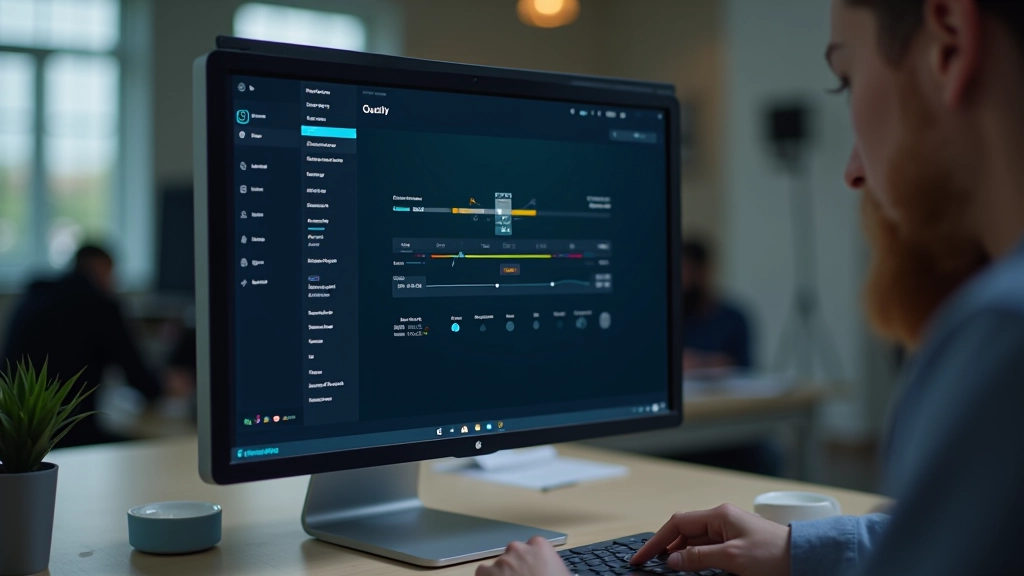
Test your template at export time. Render it at the actual frame rate and codec you’ll use on social media. A 1080p H.264 MP4 at 30fps is the safe standard — it plays everywhere without stuttering. You’ll want export settings built into your template workflow so someone doesn’t accidentally render at 10-bit ProRes and end up with a 2GB file for a 15-second video.
Building a template system isn’t about cutting corners — it’s about building a foundation that lets you be more creative. When the technical setup is solid and repeatable, you can spend energy on storytelling, pacing, and platform-specific strategy instead of redoing the same motion work every project.
Start small. Pick one motion pattern that you use repeatedly — maybe it’s a text reveal, a transition, or a color shift. Build a clean, documented template around it. Use it on three projects. Refine based on what you learn. Then add another template. Over time, you’ll have a library that makes you genuinely faster and more consistent.
The platforms keep changing, trends come and go, but the core principle stays the same: well-structured motion scales. Templates aren’t lazy — they’re professional.
Explore more on motion design and animation for social media
Explore timing, easing, and attention-grabbing techniques that drive clicks with purpose. Learn how to design banner animations that perform across devices.
Read Article
Master platform-specific motion requirements. Learn vertical format constraints, trending effects, and how to structure motion for maximum engagement.
Read Article
Track what works. Learn metrics for motion effectiveness, how to test animation variations, and understand the data behind video engagement.
Read Article